

Why Does My Ceiling Fan Light Work but the Fan Won't Spin?
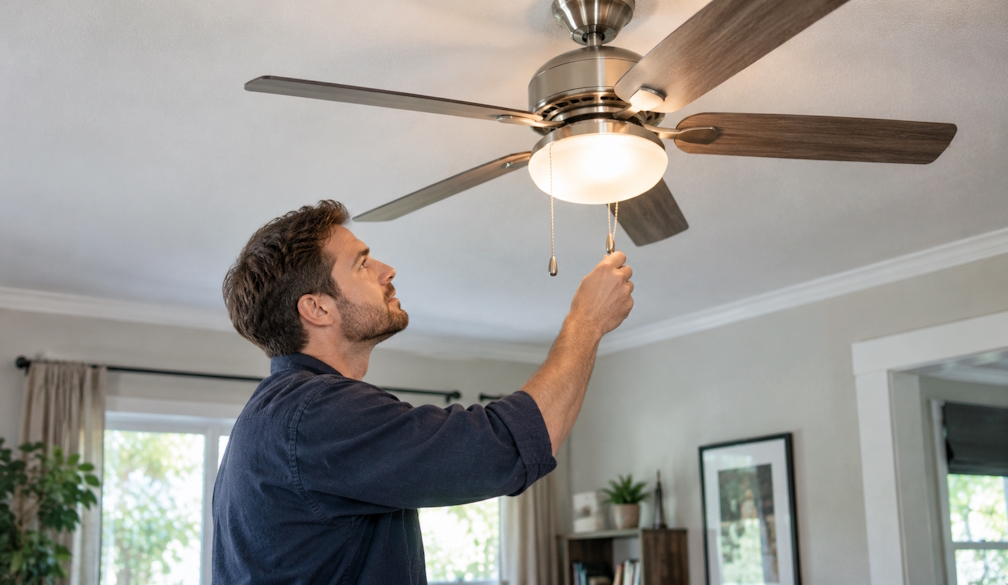
It is a strange kind of fault. You flick the switch or press the remote, the light comes on exactly as it should, and the blades just sit there. Sometimes they creep around so slowly you can barely tell they are moving.
Because the light works, most people assume power is reaching the fan and the motor must be finished. Occasionally that is true. More often, the problem is smaller and sits somewhere between the ceiling and the motor.
A ceiling fan with a light is really two devices sharing one housing. Knowing how they share power makes the fault much easier to understand.
The light and the motor take different paths
In most light and fan combinations, power comes down from the ceiling and then splits. One path goes to the light kit. The other goes through the speed control to the motor. In remote-controlled models, a small receiver hidden in the canopy decides which path gets power and when.
A working light proves that power is reaching the fan. It proves nothing about what happens after the split. That is why any sensible ceiling fan repair starts by working out where the motor's path stops, rather than assuming the worst.
Check the controls before anything else
A surprising number of "dead" fans are really control problems. Wall controllers on many fans have a separate speed dial or button for the motor, and it is easy for it to be left on off while the light switch works normally. Older fans may still have a pull cord on the switch housing, and a cord left in the off position will stop the motor no matter what the wall switch says.
Remote-controlled fans have their own set of quirks. Flat batteries are the obvious one. Less obvious is a remote that has lost its pairing with the receiver, which often happens after a blackout or a storm. Many fans need a specific pairing sequence after a power cut, usually set out in the manual or on the manufacturer's website.
Some AC fans also have a small forward and reverse switch on the motor housing for summer and winter direction. If it has been nudged halfway between the two positions, the motor may not run at all.
A failed capacitor is a common culprit in AC fans
Traditional AC ceiling fans use a capacitor to help the motor start and to set its speeds. Capacitors wear out with age and heat, and a hot Newcastle summer in a poorly ventilated roof space does them no favours.
When a capacitor weakens, the signs are fairly distinctive. The fan may hum without turning. It may start spinning if you give the blades a gentle push. It may only work on one speed, or run slowly even on high. Through all of this, the light keeps working perfectly, because it does not rely on the capacitor at all.
The part itself is usually inexpensive. Replacing it, though, means opening the switch housing and working on live connections, which is electrical work that must be done by a licensed electrician.
DC fans fail in different ways
Modern DC ceiling fans are quieter and use far less power, but their motors are controlled by an electronic board rather than a simple capacitor. When something goes wrong, the fan may stop responding entirely, stop and start on its own, or run only at certain speeds.
Power surges are a common cause, particularly after summer storms. In many cases the fix is a replacement control board or receiver from the same manufacturer, because the parts are rarely interchangeable between brands. If the fan is still under warranty, it is worth checking what the manufacturer requires before anyone touches it.
When the motor itself has failed
Sometimes the motor really is the problem. With the power switched off at the wall, try turning the blades slowly by hand. If they feel stiff, rough or gritty, the bearings may be worn or seized. A burning smell, a grinding noise or a motor housing that feels hot after running are also signs the motor is near the end of its life.
At this point the conversation usually shifts from repair to replacement. For a fan that is 15 years old or more, a new motor can cost close to the price of a new fan, and a modern DC model will be quieter and cheaper to run.
Wiring faults hide in the canopy
If the fan stops and starts without any pattern, or the light flickers at the same time, the fault may be in the wiring rather than the fan. Loose connectors inside the canopy, a cable damaged during an earlier installation or a poorly made joint can all interrupt power to the motor while still letting the light work some of the time.
These faults are easy to miss and impossible to see from the floor. They are also the kind of problem that gets worse with heat and vibration over time.
What you can safely check yourself
There is a short list of safe checks before you call anyone. Replace the remote batteries. Try re-pairing the remote using the steps in the manual. Check that any wall controller or pull cord is set to a running speed, and that the direction switch is fully in one position.
You can also switch the fan off at the wall for a minute and back on, which resets the receiver in many remote fans. With the power off, turn the blades by hand to feel whether they move freely.
Make a note of exactly what happens when you try to run it. A hum, a slow spin, a fan that runs only on one speed and a fan that does nothing at all each point in a different direction. Do not remove the canopy, unscrew the switch housing or take the fan down. Everything behind those covers is live wiring.
When it is time to get it looked at
If the fan still will not move after those checks, the next step is ceiling fan repairs by a local electrician who can test the capacitor, the receiver and the wiring in one visit, then tell you honestly whether the fan is worth fixing.
A fan that lights up but will not spin is rarely a mystery once someone looks inside it. The useful part is knowing which small fault to look for first, so a simple capacitor or receiver problem does not turn into an unnecessary replacement.
